In less than three minutes, I’ll show you why I became OBSESSED with reading on my Kindle.
Spoiler: it’s all about the storage and curation of HIGHLIGHTS from my reading! Here’s how it works.

In less than three minutes, I’ll show you why I became OBSESSED with reading on my Kindle.
Spoiler: it’s all about the storage and curation of HIGHLIGHTS from my reading! Here’s how it works.
When we own our problems and our learning, brain development follows.
“I’m stuck!”
“How do I do this?”
“What should I do next?”
These are the calls for help that every teacher who has spent time in a classroom has heard.
And our typical response? We hurry over to these distress calls and do our best to help. Because that’s who we are, and that’s what we do.
We support learning. We provide solutions. We teach.
Then we hear another call, and another. And we help again.
My wife is a master of administration. She’s the kind of person who uses her Google Calendar partly as planner, partly as to-do list, partly as journal. I’m sure Google Calendar is one of her most-used apps, because she’s constantly creating and editing events, adding phone numbers and to-do lists to event info, deleting events that didn’t materialize, and making sure the timeline of her day matches her actual day.
If it’s not in her calendar, it doesn’t exist. It’s pretty impressive.
I learned this quickly about her in our early years. And because I knew that she kept an eagle eye on her calendar, it became easy to ask her for details on upcoming events.
All in her Google Calendar, which she had shared with me. And I knew that. But it was still oh-so-tempting to just ask her or text her for the answer. Because she’s super smart.
And because it was way easier for me to use her brain than my own.
Often, she would cheerfully check her own phone and give me the answer I was looking for. And frankly, she still does. She’s a generous woman.
But at some point, she also had the courage to have a loving conversation with me. Basically, her message boiled down to this.
Baby, you can either keep using my brain to get the answers you’re looking for, or you can use your own.
You see, up to that point, I hadn’t really been using Google Calendar. Sure, I looked at it once in a while. I even added a few things to it. But I wasn’t really using it to plot out my day. And I certainly wasn’t consulting it for event information.
She pointed out that by always looking up the answers to my questions, she was actually encouraging me not to go to the source.
She was teaching me to use her brain instead of my own.
As teachers, we love to help kids. Helping students learn, develop their skills, and find solutions gives us some of the warmest and most affirming moments in the profession.
And there’s no denying that a lot of this learning, especially in K-4, happens in real time. These youngsters need more hands-on support. More assurance. More coaching.
But especially as students move into middle and high school, they need to gradually build the skills and confidence associated with learning how to learn. Using their own brains.
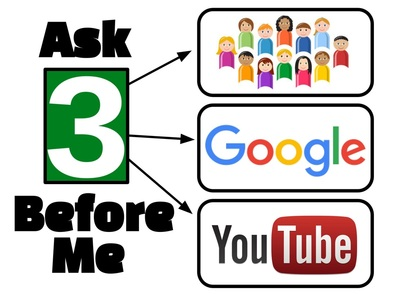
There’s a tried and true rule that I’ve seen around education for some time called Ask 3 Before Me. The idea is that whenever students get stuck with a problem that they can’t solve, they should check at least three lifelines before going to the teacher.
Ask a friend. Google it. Check YouTube.
Sometimes I’ve wondered if there are educators who see this sort of thing as a cop-out. I mean, aren’t we paid to help students when they’re stuck? Isn’t that our job?
I don’t think it is a cop-out. I think it’s about loving kids enough to empower them. It’s about teaching them how to fish instead of just tossing them more fish.
And in the remote learning environment, I’m at least an instant message away from support. There’s never been a better time for students to learn how to learn. To use their own brains.
March of 2020 flipped K-12 education on its head, and remote learning sent educators scrambling. The move from the brick and mortar classroom to the online environment was a transition that could have taken weeks or months to prepare for, but most schools pulled it off in a week. Or less.
It was a time of high anxiety for a lot of educators, and still is. The remote and hybrid learning environments are foreign landscapes. We have a lot of questions about tools that facilitate growth in this context. Tools that we’re not always familiar with.

As tech tools proliferate, the IT department at my school has been generous: send us a ticket about any question or problem. We’re here to support.
And they have been amazing. I’m sure that IT departments at other schools and districts have taken a similar stance.
But this is also a great opportunity for classroom teachers to learn how to learn on their own. To listen to their PLN. To do some digging on Google. To watch tutorials on YouTube. To participate in the plethora of free webinars currently available.
“I’m not a tech person” isn’t a thing.
We’re ALL tech people. We’re ALL on a journey of learning right now.
And now, more than ever, we need to learn how to learn. We need to take ownership of our professional learning journeys. We need to teach ourselves what we need to know.
Our growth won’t happen in a straight line. But we’ll get there. And that journey will build new confidence. We will be empowered.
And the best part? We’ll be able to model courageous learning for our students.
Because now, more than ever, we all need to learn how to learn.
We need to use our own brains. Our students will be better for it.
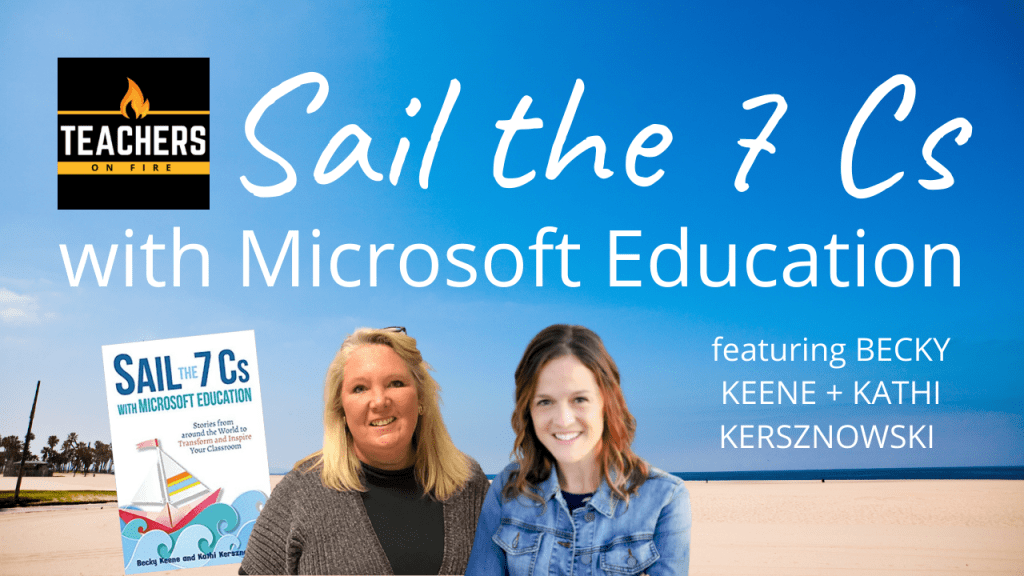
In this edition of the Roundtable, host Tim Cavey is joined by Becky Keene and Kathi Kersznowski, authors of Sail the 7 Cs with Microsoft Education: Stories from around the World to Transform and Inspire.
As of this post, I’m still appearing weekly on YouTube, Facebook, and Twitter at 8:00 a.m. Pacific/11:00 a.m. Eastern. I’d love to see you join us and would be happy to feature your questions and comments on the show!


Perfectionism stops people from completing their work, yes — but even worse, it often stops people from beginning their work. — Elizabeth Gilbert
Middle school life is awesome.
There is so much hope at this age. So much optimism. So much willingness to try new things, to push the boundaries of what is expected, to create humor and fun at every turn.
Yet there are also subversive forces at work. Quiet fears and anxieties plague our teens as much as they do adults — sometimes even more so.
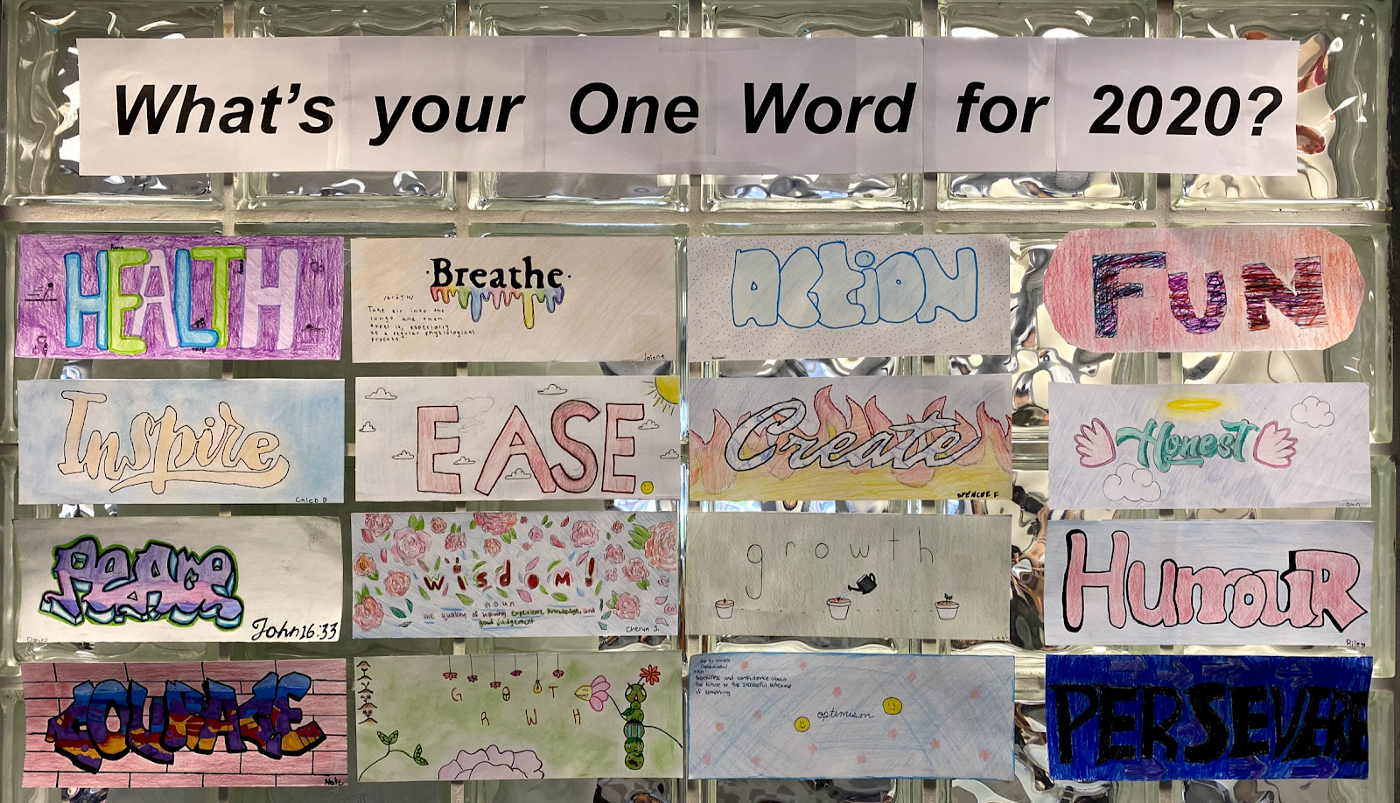
The collection of OneWords pictured above gives me joy, yet it also gives me cause for concern.
I shot this picture one week after introducing the One Word idea to my eighth graders in 2020 and getting them started on what I thought could be a fun activity of self-expression, identity, and vision for the future.
One week. At least two separate blocks were set aside to work on these — maybe three. And here I was, looking at 16 completed pieces out of 28.
A week and a half later, the picture had improved a little. I now had 21 completed OneWords on the wall.
But that was still 25% missing — ten days after introducing the activity.
What was going on?
I talked to one of my missing seven about it. He was sheepish, freely admitting that this little art activity could and should have been finished by now.
“I don’t like mine,” he explained matter-of-factly. “I want to start it again.”
At a glance, it’s an admirable sentiment, isn’t it? High standards. The pursuit of excellence. The commitment to improvement. The idea that one is demanding better of themselves.
As committed professionals, we can empathize, because we’ve had those same thoughts as well.
But there’s a fatal problem, because perfectionism can kill production.
Those noble intentions of improvement and further iterations can be lost to the sands of time. Days turn quickly into weeks. New learning activities come and go.
And the One Word, the essay, the video project, the whatever-has-to-be-perfect … doesn’t get finished at all.
For some of our learners, we desperately need to see more effort. More thought and care. More attention to details. More personal investment.
We know that as they increase their commitment to the process, their learning will grow.
Those students are not the ones I’m concerned with here.
The ones I’m concerned with are capable of completing the task and meeting the learning target. But they hold such high expectations of themselves that their perfectionism becomes their prison. Fears of missing the mark — their own mark, mind you — hold them back from trying.
I think it was Seth Godin who first observed that shipped is better than perfect.
The idea being that as long as a product is sitting somewhere being thought about, dreamed about, improved upon, held onto because “it’s not ready yet” … it has no relevance in the world.
The finished product — whatever form it takes — may have its flaws. It may be criticized or judged. It may be rejected.
But at least it’s out there.
And once the work is out there, the gears of creative production become engaged. The iterative process gains traction. And the journey of growth and improvement becomes inevitable.
So it is with blogging. And vlogging. And podcasting.
All of these creative endeavors get uncomfortable. I have thoughts of regret and humiliation almost every time I hit publish, because nine times out of ten I am keenly aware of how the work could have been done better.
But I continue to ship, and ship, and ship, because I know that as I do, as I gain more reps, the confidence and mastery will come with time.
This is the all-important lesson I want to share with my students.
There comes a time when you must hit publish. When you must submit the work. When you must hand in the essay. When you must move on.
It may not be perfect. But it’s out there. It can be consumed by others. It’s in the conversation.
And it’s for that reason that shipped is better — way, way better — than perfect.

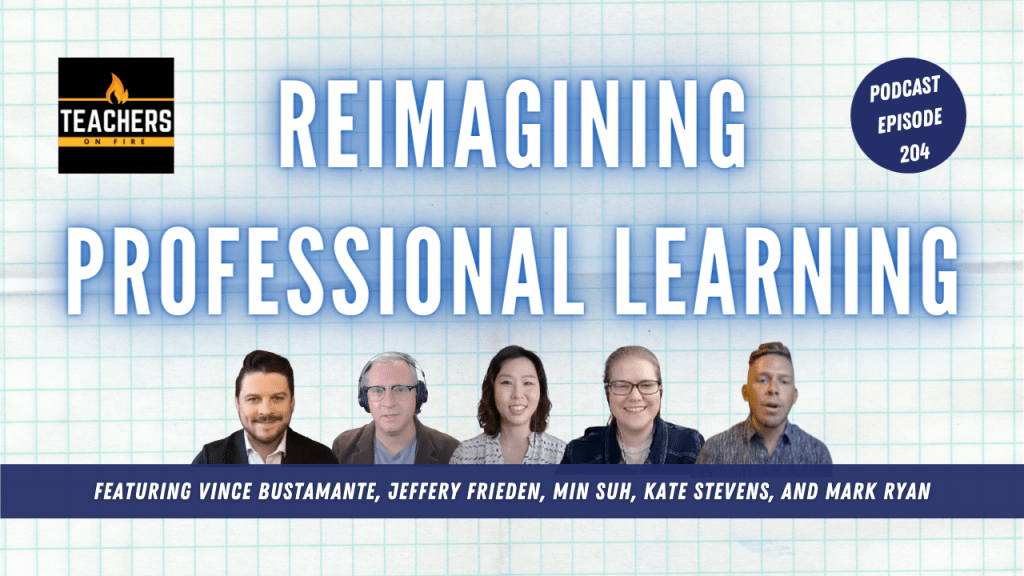
In this edition of the Roundtable, host Tim Cavey connects with educators who are passionate about improving the shape of professional learning: Mark Ryan, Vince Bustamante, Min Suh, Kate Stevens, and Jeffery Frieden. We discuss best practices for most powerful professional learning, asynchronous tools, how to capture in-house expertise, gamification, and more.
Select any of the timestamps listed below to jump to specific portions of the discussion. ⬇️
As of this post, I’m still appearing weekly on YouTube, Facebook, and Twitter at 8:00 a.m. Pacific/11:00 a.m. Eastern. I’d love to see you join us and would be happy to feature your questions and comments on the show!

