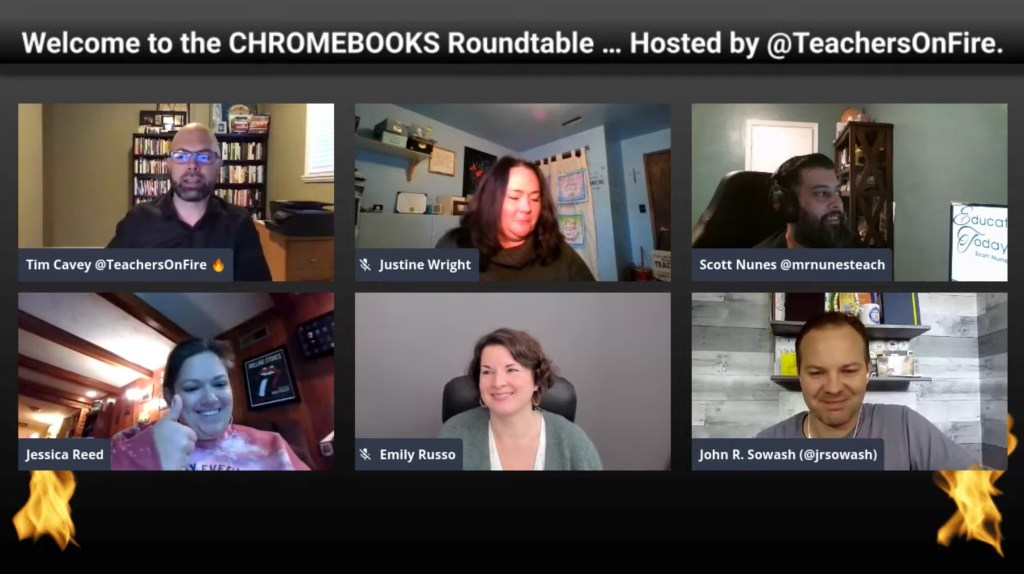
On this edition of the Roundtable, I connected with Justine Wright, Emily Russo, Jessica Reed, Scott Nunes, and John Sowash from the Google Classroom to discuss the state of Chromebooks in education today: what’s working, what needs to improve, and what are some strategies that are worth sharing?
Questions That Guided Our Discussion
1:19 – Who are you, what is your current context, and how does your learning community use Chromebooks?
13:44 – What is working right now? What are some wins that you’re having with Chromebooks?
27:59 – What isn’t working well? What questions do you have?
50:02 – What are some other tips, hacks, Chrome extensions, or other strategies that you can share?
As of this post, I’m still appearing weekly on YouTube, Facebook, and Twitter at 8:00 a.m. Pacific Time/11:00 a.m. Eastern Time. I’d love to see you join us and would be happy to feature your questions and comments on the show!
Connect with the Teachers on Fire Podcast on Social Media
I’m a slow learner, so it’s taken the chorus of a few voices to get me sold and focused on the positive impact that sharing circles, check-ins, and check-outs can have on the culture of classes and learning communities.
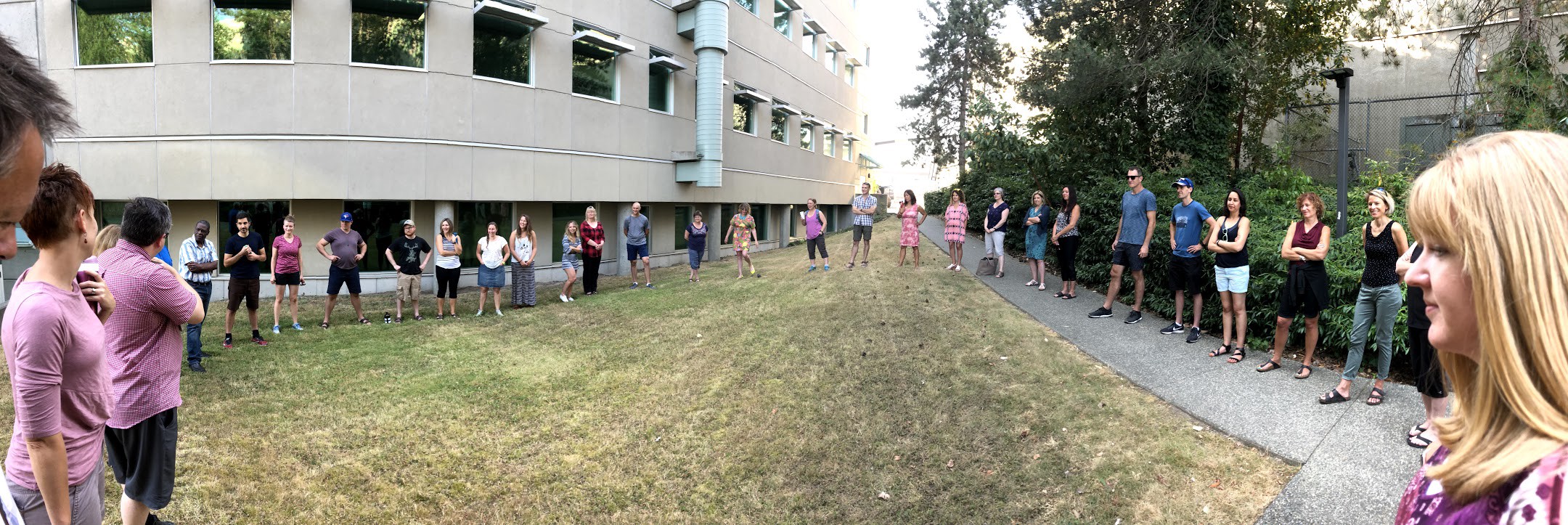
I first experienced sharing circles during my MEdL classes at VIU in the summers of 2017 and 2018 (pictured below). Our class of 45 started and ended every day of learning in circles.
Then I spent two days of workshops put on by the International Institute for Restorative Practices learning about the philosophy behind sharing circles and some thinking around best practices when they’re used in school settings. It was during my second day of learning with IIRP that I think the impact of circles really crystallized for me.
Why Circles?
Circles assign value to every member of the community. They include every voice. They share perspectives that aren’t always heard or apparent. They allow us to learn from each other.
These benefits are simple but profound. They don’t happen by accident. Without circles, it’s actually hard to come up with these outcomes at all.
It turns out, our indigenous peoples were on to something big.
Circles can be as powerful for learning as they are for building relationships, and you’d be right to argue that the two are really linked, anyway.
As I mentioned earlier, I saw some of the potential of circles myself when my Master’s classes would begin and end in circles. In a large class of 45, circle times offered a convenient way to share insights and get to know people that I had yet to connect with personally.
A Powerful Circle Experience
It was during our second day of IIRP workshops at an in-house professional development event last fall that I was profoundly touched by the raw power of circle practices.
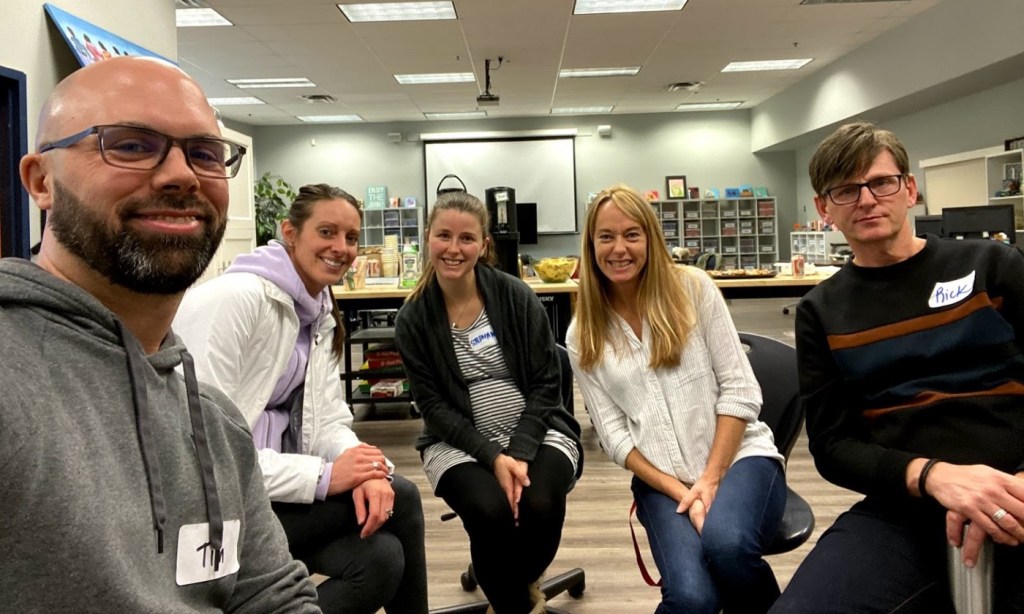
I was in a mini-circle of five teachers and administrators. We were tasked with applying a lesson that we had just learned in a group session, and it was up to me to choose a question for my little group.
Hoping to get real with my colleagues, I went with “Talk about one thing that is causing you stress in your personal life right now.”
By the time we completed the circle, most of us were in tears. Things had gotten that real. That fast. In the span of 15 minutes, we had shared our hearts, our personal stories, our realities.
And just like that, we felt a lot more connected with each other.
When was the last professional development event where you saw something like that happen?
It was a powerful reminder that when it comes to the learners in our classrooms, there is always, always, ALWAYS more to their stories than meets the eye. We ignore those stories in our own classrooms at our own peril and to the detriment of our class cultures.
Circles in My Teaching Practice
Ever since that emotional moment with my colleagues, I’ve made circles a regular part of my eighth grade classroom. And every single time I do them, I learn new things about my learners, the class learns to trust each other just a little bit better, and the culture of my room improves. It actually makes me sad that I went so many years of teaching without using circles more strategically.
Regrets aside, what follows is an evolving list of circle check-in questions. I love this list SO much … but it’s not complete. I’m looking to add to it all the time, and if you’ve got a question to suggest, please leave it in the comments below.
Suggestions for Circle Starters
Circle Check-In Questions for BUILDING COMMUNITY
Quick go-round: From 1-5, how are you feeling right now?
Who is one adult outside of our school that you admire? Why?
What is one thing that is stressing you or making you anxious right now?
What is one thing that you appreciate about someone in this group?
What is one book that you have read that you enjoyed? Why did you enjoy it?
What is one thing that someone in this group has done to help your learning?
What is one thing you are grateful for right now?
What is your favourite time of the day? Why?
What is one rose and one thorn from your weekend?
What is one aha, apology, or appreciation from your week?
What are you obsessing about right now?
What is one thing you like to do in your free time?
What is one thing that you hope will happen this week?
What is one way that you’ve failed recently?
What is your ideal learning environment?
What is one movie that inspires you? Why?
Circle Check-In Questions for LEARNING
What do you already know about this topic?
What is one personal connection you can make with this topic?
What questions do you have about this topic?
(And at the end) What questions do we still have?
Why do you think we are learning this?
What is one idea that you have for something to write about?
What is one thing that stood out from you in this learning activity?
What is one takeaway from this learning activity?
What is the next thing you would like to learn?
Big 3 Questions: What are you learning? How is it going? Where to next?
What is one thing you would like to achieve in this period?
Where are you in the design process?
What is one thing that you could do to improve your work?
What support do you need to continue your learning?
How would you answer the guiding question right now?
What should be in the success criteria?
What is your top priority for this block?
Read three lines of writing from your writing today.
Circle Questions for UPCOMING SCHOOL EVENTS
What are the opportunities that might come from this activity?
How could we grow from this activity?
What are some behaviour problems to watch out for in an upcoming activity?
What are our goals for this activity?
What are our fears and anxieties about this activity? (*use with caution — don’t let this become a negative venting session)
What would it look like to give in to fear regarding this activity?
What would you want people to say about PA after our visit?
Circle Questions for a DISRUPTIVE CLASS
How do you think the class went?
How could we improve our behaviour?
What needs to happen to make things right?
What do you want to be known for?
Circle Questions for WORK NOT GETTING DONE
Which tools could better support your learning?
What are some strategies that we could use (or will use) to get our work done on time?
Is there anything that I should know about what is causing you anxiety?
What do you think might motivate you to get your work done?
How is your lack of work impacting the people around you?
How will your work habits now prepare you for life?
Circle Check-Ins for EMPOWERING STUDENTS
What are your progress goals for this period? (eg. a media class)
What challenges or obstacles have been slowing down your learning lately?
How will you overcome the challenges or obstacles that have been slowing you down?
Circles for STAFF ACTIVITIES
Grade level or department meetings: how are things going right now?
What is one thing you’re taking away from this staff meeting?
Who would you like to shout out on our staff team and why?
How do you think [X staff activity] went? How could it be improved?
What is one thing that you’d like support with right now?
What is one thing you’re working on right now?
What is one thing you’ve learned recently?
Maybe you’ve never tried circle check-ins your classroom, or maybe (like me) you’re on a journey to learn more about circles and leverage their power more.
Wherever you are in your journey with circles, I’d like to hear about it.
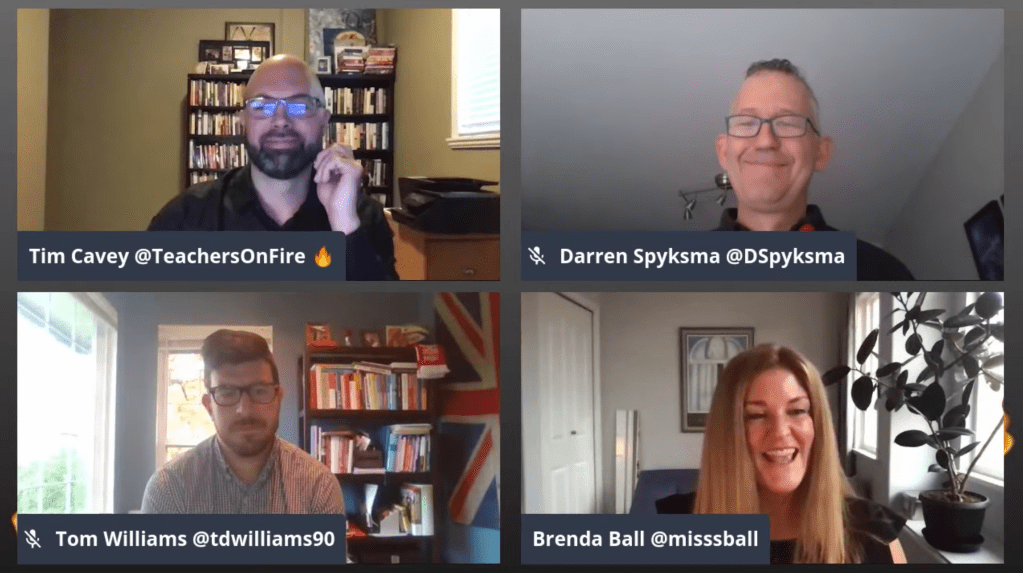
In this edition of the Roundtable, I joined Darren Spyskma, Brenda Ball, and Tom Williams to discuss changing assessment practices, the power of professional learning networks, recent wins for our learning communities, and self-care strategies. This is our conversation.
Questions That Guided Our Discussion
1:30 – Who are you, and what is your current context in education?
3:30 – What are your thoughts on assessment practices in K-12 education today? What, in your view, needs to change?
13:06 – Despite the challenges of education in a pandemic, what is one win for learning that you are seeing right now?
21:13 – Why is it more important than ever to be a connected educator?
32:08 – How are you finding self-care during times of stress and uncertainty?
As of this post, I’m still appearing weekly on YouTube, Facebook, and Twitter at 8:00 a.m. Pacific Time/11:00 a.m. Eastern Time. I’d love to see you join us and would be happy to feature your questions and comments on the show!
Connect with the Teachers on Fire Podcast on Social Media
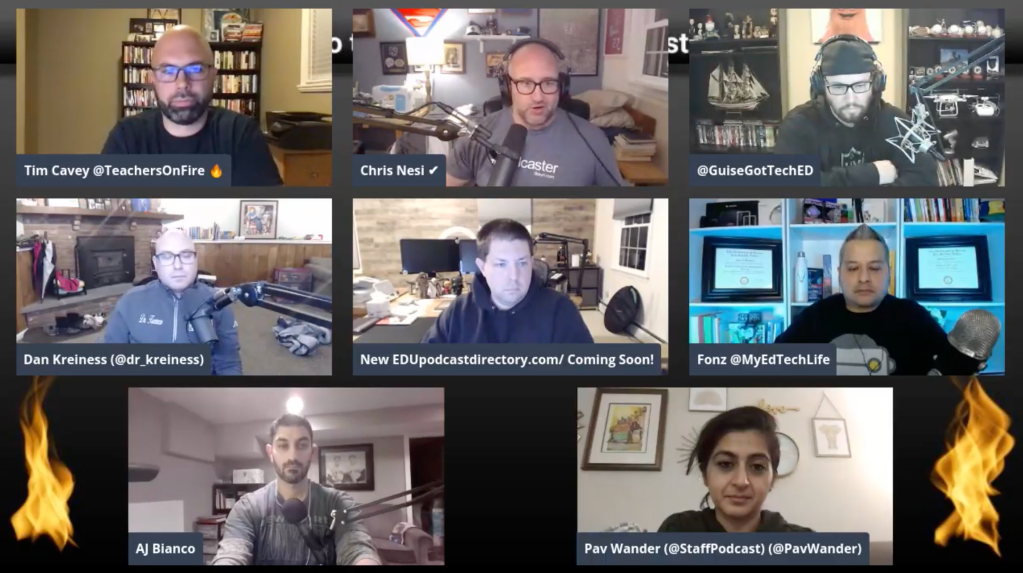
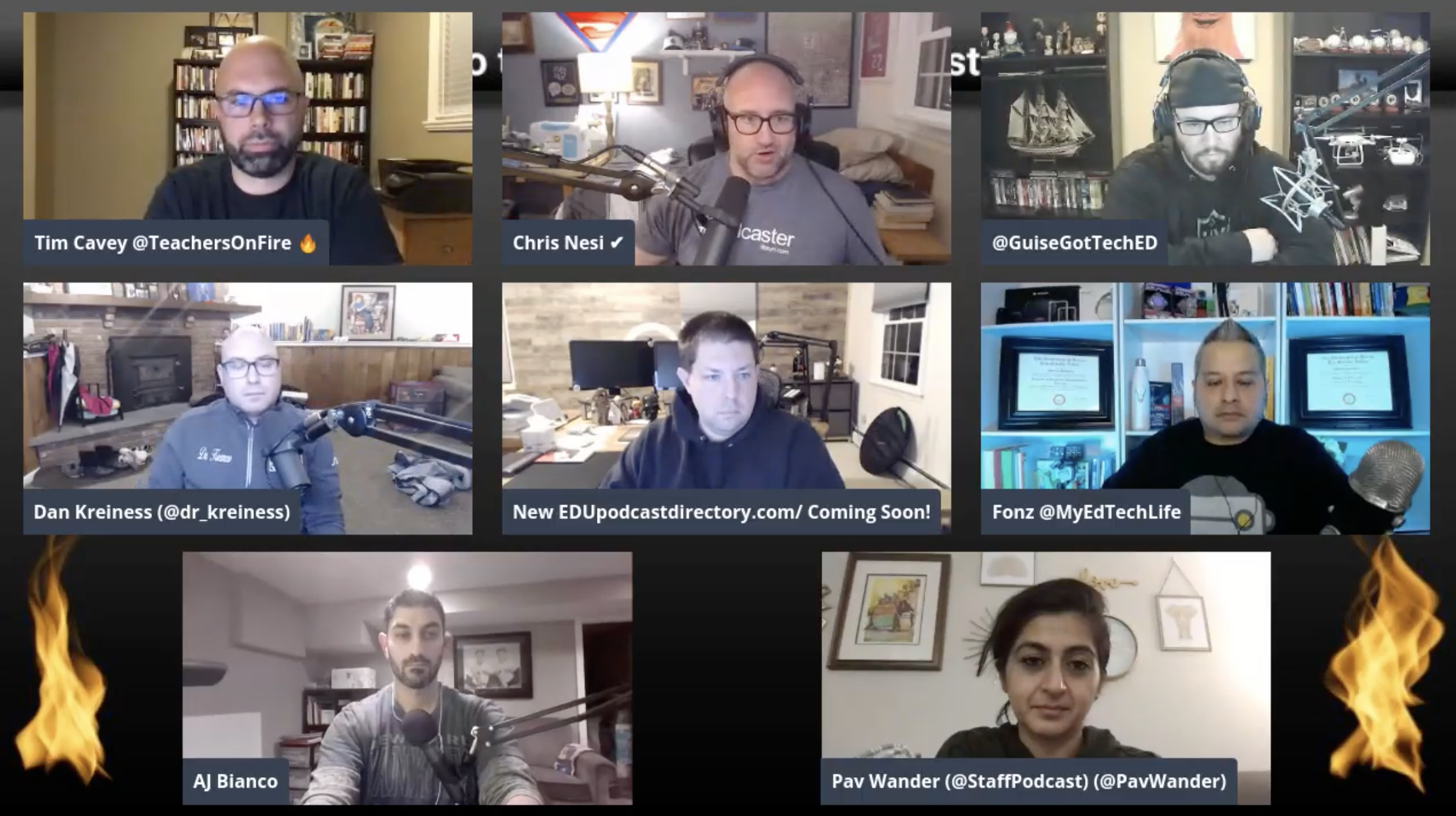
Each month, I connect with other education podcasters in a mastermind group of sorts. We compare notes, talk about our work, share best practices, and wrestle with current challenges.
On the agenda for this month’s conversation: websites. How can we design our websites to better support our podcasts?
Questions That Guided Our Discussion
1:12 – Who are you, and what is the NAME of your education podcast?
7:23 – How does your WEBSITE figure into your PODCAST publishing strategy?
17:42 – Who are your top website REFERRERS? (Where does most of your website traffic come from?)
24:35 – Pav from the StaffRoom podcast shares how she and Chey are thinking about in terms of STARTING to build a website platform.
25:30 – Which PAGES on your website get the most traffic?
42:17 – Should podcast episodes be published at the same time as SHOW NOTES?
50:49 – What piece of content do you look forward to publishing next?
Meet the Edupodcaster Panelists and Visit Their Podcast Websites
RILEY DUECK is a sixth grade teacher in Surrey, BC, Canada. At the time of our recording, he was a second year educator, speaker, innovator, blogger, and the host of the Not Many of You Should Become Teachers podcast.
“NOOOOOOO!”
In his first year of teaching, Riley and his sixth grade colleagues were trying to address some negativity among their students. Even as they planned some fun events before spring break, the complaining from some corners didn’t seem to let up.
Peak frustration came one day for Riley as he was doing his best to hype one of these term-end activities with his class. As he was speaking, one student loudly interrupted him with an obnoxious “NOOOOO!”
Shocked, Riley admits to returning some verbal fire and letting this student know in no uncertain terms that their interruption had been extremely rude. But later in the day, when Riley found some time to follow up privately with the student, he discovered that the interruptor had actually been excited about the events Riley described and in fact was crushed that a family vacation would take him away from school a day before these fun events.
Riley realized that the student hadn’t been frustrated with him or his plans at all – just frustrated that his family’s travels meant that he would miss out. Thankfully, Riley was able to completely restore the relationship, and by the time they parted ways for spring break, all was well again. The incident was another good reminder for Riley that student behavior is often not exactly what it seems. There’s often more to the story.
How Can Faith Integrate with Learning?
Riley works at an independent faith-based middle school, so I put to him the question: why does faith belong in K-12 contexts at all?
Riley explains that a faith-based school wasn’t actually his original plan. Fresh out of university, his plan was to teach in a public setting where he would be able to work with underserved children. Hiring didn’t go quite the way he envisioned it, however, and months of soul-searching about his core values and mission led him to reconsider the path forward.
When a last-minute opportunity to take a sixth grade teaching position appeared, his initial misgivings melted away, and he started to see the positive aspects of teaching in a faith community as a person of faith. He thought about the ways in which his beliefs, passions, giftings, and creativity could be used to inspire students and actually “teach in ways that are authentically Christian.”
Riley isn’t interested in the traditional trappings of religion or Christian culture; instead, he’s passionate about showing students what it means to experience a real relationship with their Creator and love the world as he does. Other factors included the chance to coach volleyball and participate in international service initiatives in Africa and around the world – two other core passions that align with his values.
Finally, after taking the time to consider all angles, he decided to accept the offer to teach sixth grade in a faith-based school, and it’s been a fantastic journey so far. Every day, Riley is grateful for the opportunity to use learning experiences to lean into the life and love and restorative work of God in the world.
Not Many of You Should Become Teachers: the Podcast
Riley shares a passion for content creation. For years, most of his creative energies were directed to YouTube, but in recent years those energies have moved into podcasting. The podcast medium has become his medium of choice for discussions of faith and learning, and he enjoys doing exactly that with co-host Dave MacFarland, another former guest of Teachers on Fire.
The Not Many of You Should Become Teachers podcast takes its title from a warning found in the Bible’s book of James, where the author describes the critical importance of education. It’s an activity not to be taken lightly, the ancient writer implied. On the podcast, Riley and Dave maintain that spirit by exploring the field of teaching as a high calling and grand responsibility.
The podcast is also meant to start and continue discussions around Christian education today. What is its role and place in modern society? What should its mission be? What should a holistic study of the integrations between faith and learning include? In Riley’s view, the podcast fills a need for more critical conversations in these spaces. Although the hosts speak from the context of a faith-based school, Riley feels like public school teachers who have an interest in the intersections between faith and learning will enjoy their content as well.
How Does Content Creation Lead to Learning?
Riley looks back at his high school media classes as the catalyst for his current passions and activities around content creation. As an enneagram 7, the fun of trying new things, creating, sharing, and starting conversations easily overcomes the fear of creation and hitting the publish button that many wrestle with. Learning opportunities simply become more fun and engaging when we’re creating.
Riley’s also a believer in the growth mindset and the power of learning from mistakes; it’s when we step out of the comfort zone and take risks that we’re likely to grow the most. The people who have made the biggest impact in the world are generally those who have taken the greatest risks and overcome fears of failure, and this applies to relationships and community-building as much as it does to technology and communication.
Another Source of Fire in His Practice: Teaching Math
Something else that is setting Riley on fire in his practice at the moment is teaching Math. He regards Robert Kaplinsky as one of his key mentors in this area. “He’s a Math-teaching genius,” says Riley. “Anything that can be made problem-based in my Math class has become problem-based.”
From Kaplinsky, Riley has learned how to offer lower floors (easier on-ramps) for engagement and learning while also offering higher ceilings and opportunities for further growth and extended learning.
A Professional Goal: More Indigenous Integrations
Riley has a couple of professional goals on the go. One of them is to do a better job of integrating First Nations content and pedagogy throughout his teaching practice. He sees a natural congruence between the Christian value of reconciliation and curricular mandates to recognize indigenous cultural values and ways of knowing.
Learning from Travel
“I love travel and tourism and the leadership opportunities that come with that,” Riley says. He’s worked with AirBnB to offer tour experiences in downtown Vancouver, and he’s the sort of traveler that carefully researches every aspect of future trips in order to absolutely maximize his time and take advantage of every opportunity in foreign destinations.
Essentialism: Doing Less to Do More
“I have a love-hate relationship with productivity and self-help,” Riley laughs. He points to Gregory McKeown’s Essentialism: The Disciplined Pursuit of Less as a book that shaped his thinking in a profound way in terms of narrowing his focus and avoiding overwhelm. Contrary to conventional thought, we can actually be more effective and productive by doing less, McKeown argues.
Voices and Resources That Spark Riley’s Thinking
On Twitter, Riley recommends following @TobyATravis. He’s the superintendent of Village Christian Academy in Fayetteville, NC, and he’s got a grounded vision for what Christian education can be. He also points to his podcasting co-host, @MrMcFTeaches, as someone who tweets a lot of valuable insights around teaching, current events, social studies, faith and learning, and more.
When asked for an edtech tool pick, Riley shouts out Google Classroom. He’s continually impressed by the ways that Classroom improves and continues to serve educators and students well. Follow Google Classroom on Twitter @GoogleForEdu.
On YouTube, Riley still enjoys the legendary PewDiePie. PewDiePie is a reader, a thinker, and an excellent commentator on what is going on in the world. He uses clever memes to communicate his message, and he’s simply entertaining.
At the time of this recording, Riley had cancelled his Netflix subscription. His entertainment choices were skewing old school with Survivor Season 40.
As we said our goodbyes, Riley gave us the best ways to reach out and connect. See below for details.