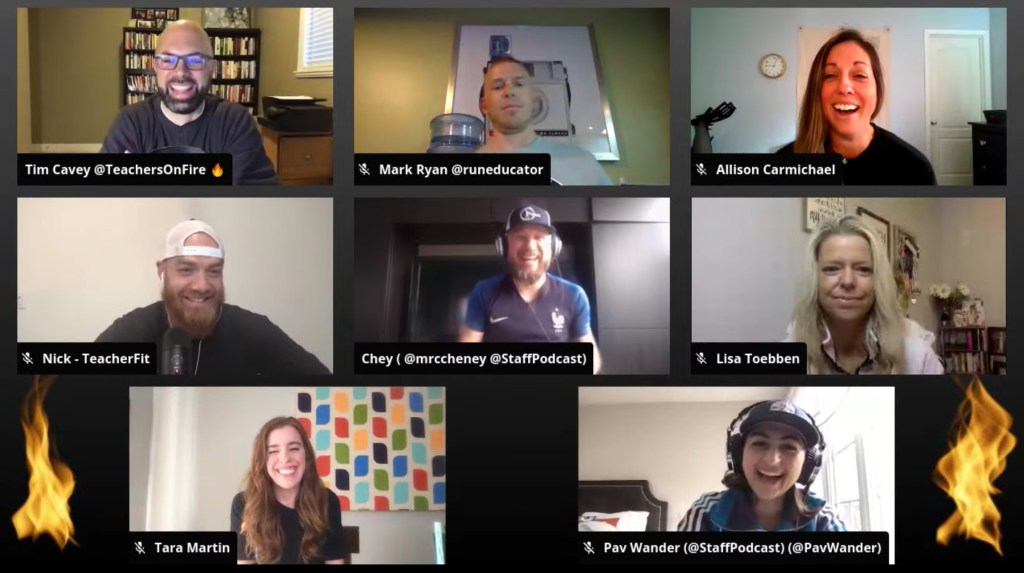
In this edition of the Roundtable, host Tim Cavey connects with seven uplifting educators to discuss the WHYs and HOWs of educator fitness. With everything we have going against us right now, is fitness actually important? How can we make it a part of our daily practice?
Questions That Guided Our Discussion
1:17 – Who are you and what is your current context in education?
13:30 – Give us a quick snapshot of your journey with health and wellness. How has fitness positively impacted your personal and professional life?
29:49 – As we head into the heart of winter still in the grips of a pandemic, why should fitness be a priority? Is it even possible right now?
35:18 – Speak to that educator who feels exhausted, burning out, and discouraged. What are some simple strategies for that educator to start to improve their fitness and wellness?
54:02 – Who are the voices and resources that inspire you in the fitness space?
As of this post, I’m still appearing weekly on YouTube, Facebook, and Twitter at 8:00 a.m. Pacific Time/11:00 a.m. Eastern Time. I’d love to see you join us and would be happy to feature your questions and comments on the show!
Connect with the Teachers on Fire Podcast on Social Media
Each month, I connect with other education podcasters in a mastermind group of sorts. We compare notes, talk about our work, share best practices, and wrestle with current challenges.
On the agenda for this month’s conversation: highlights and lessons learned from 2020. In terms of podcasting, what were the highs and lows? Where do we go from here?
Questions That Guided Our Discussion
1:10 – Who are you and what is the name of your educational podcast?
2:13 – What is one thing that you are celebrating about your podcast in 2020?
15:24 – What did you learn about your podcast (or podcasting in general) in 2020?
22:36 – What is one goal that you have for your podcast (or podcasts) in 2021?
37:12 – What is the next piece of content that you plan to publish?
45:51 – How can we connect with you? Where can we see and hear your content?
Meet the Edupodcaster Panelists and Visit Their Podcast Websites
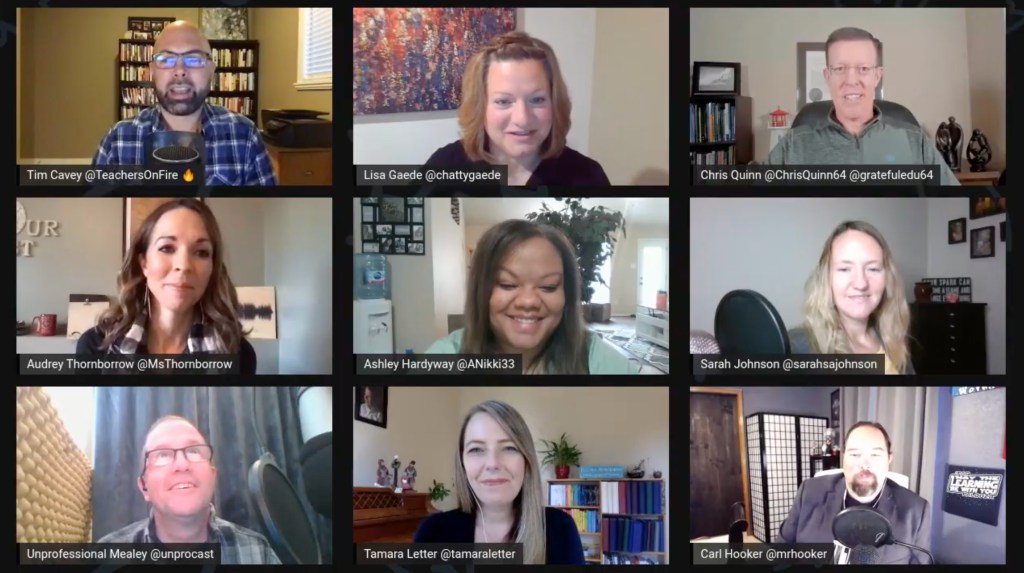
In this edition of the Roundtable, host Tim Cavey connects with eight uplifting educators to discuss the incredible power of gratitude. Why is it important and how can we make it a more intentional part of our daily practice?
Questions That Guided Our Discussion
0:53 – Who are you and what is your current context in education?
7:35 – How does gratitude make a difference in your life?
31:09 – What are some intentional gratefulness practices that figure into your day?
34:57 – What is another habit of wellness and self-care that you could share?
51:36 – Sharing circle: what is one thing you are grateful for today? (no repeats)
1:00:17 – How can we connect with you? What other resources can you share?
As of this post, I’m still appearing weekly on YouTube, Facebook, and Twitter at 8:00 a.m. Pacific Time/11:00 a.m. Eastern Time. I’d love to see you join us and would be happy to feature your questions and comments on the show!
Connect with the Teachers on Fire Podcast on Social Media
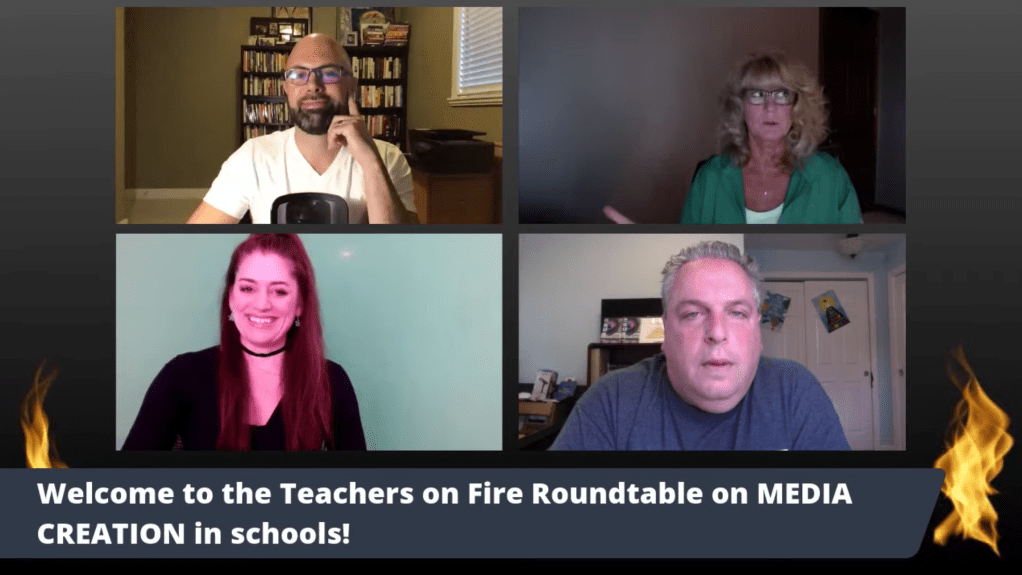
In this edition of the Roundtable, host Tim Cavey connects with educators Bruce Reicher, Paula Neidlinger, and Erika Sandstrom to discuss media creation in schools. Why should we invest time and resources in media creation for students, and how can we get started?
About Our Guests
Bruce Reicher and Paula Neidlinger are two of the three co-authors of Scripted: An Educator’s Guide to Media in the Classroom, published in August 2020. Erika Sandstrom is the Green Screen Gal, a digital learning coach with a passion for media creation and social-emotional learning.
Questions That Guided Our Discussion
1:11 – Who are you and what does your current context in education look like?
5:29 – How do you use media creation to inspire your learners? What sorts of projects energize you?
12:44 – What sorts of wins or opportunities for learning do you see during the time of COVID?
20:45 – Why should school leaders be thinking about investing more in media creation resources?
As of this post, I’m still appearing weekly on YouTube, Facebook, and Twitter at 8:00 a.m. Pacific Time/11:00 a.m. Eastern Time. I’d love to see you join us and would be happy to feature your questions and comments on the show!
Connect with the Teachers on Fire Podcast on Social Media
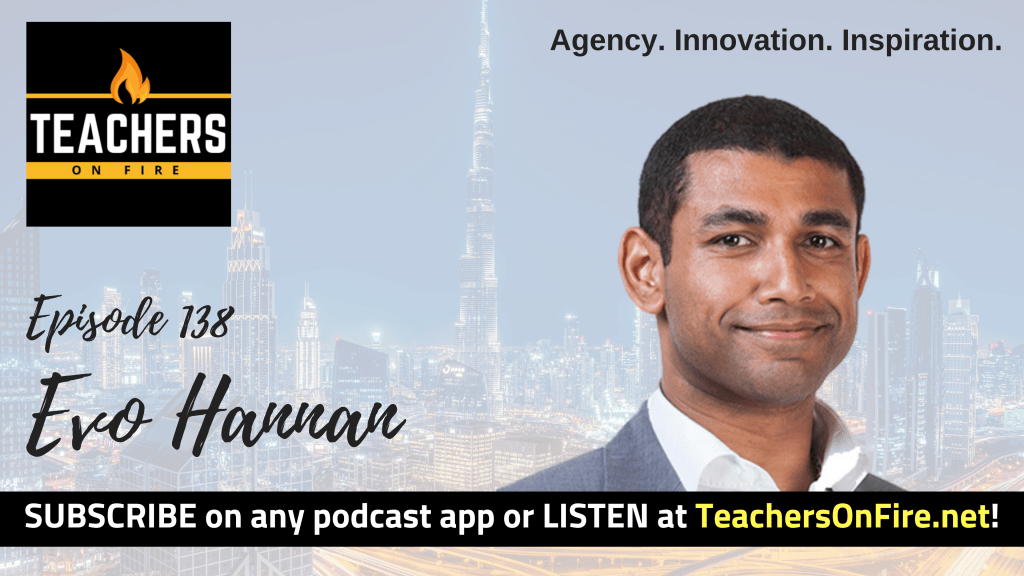
EVO HANNAN is an educator, education leader, freelance designer, and speaker in Dubai who is passionate about promoting confidence in students through innovation and agency. You’ll find him active on Twitter at the hashtags #Agents4Agency and #CrazyPLN.
Cancelled by COVID: Forced to Pivot
This interview was recorded on March 8, 2020, and Evo had just recently had to cancel his plans for his #Agents4Agency tour of the United States due to the appearance of COVID-19. He had been planning in-person professional development sessions for New York City, Houston, and San Francisco, and four and a half months of work had gone into their preparation.
It was absolutely heartbreaking to cancel these events, but as the pandemic started to make its appearance in North America, people’s health and safety took first priority. Rather than completely give up, however, he began the difficult task of pivoting these events into virtual settings.
“I’ve built up a little bit of resilience over the past decade or so with some of the crazy ideas I’ve come up with,” Evo admits. When it comes to go big or go home, he generally never goes home.
Advocating for Growth: the Work of The Agency
At the core of Evo’s #Agents4Agency movement is the idea that teachers reflect on their own practice and pedagogy first before they start to implement and promote student agency. Agency doesn’t only come from students, Evo points out. As educators, we are the facilitators that can help to elevate their voices. Find out more about The Agency and join the movement at Evo’s website.
The Four Pillars of Innovation
Evo is passionate about innovation in education, and that passion has only grown in his years as a design teacher. His understanding of innovation is quite functional, and he sees it made up of four pillars: knowledge, creativity, characteristics, and culture.
Innovation is his heartbeat for education, he says, and the idea of student agency flows naturally from there. Voices that influence Evo’s thoughts on innovation include Tony Wagner, Craig Kemp, Adam Hill, Kieran Kelly, Steve Bambury, and others.
Building Movements That Inspire Change and Transformation in Education
Vehicles like InnovationX and Agents for Agency allow me to directly connect with people on an interactive level,” Evo shares.
Even with the appearance of COVID-19, Evo is committed to growing these movements and continuing to learn and gain inspiration from the like-minded educators who join forces in the process. His goal is to inspire as many educators as possible and provide them with the tools to help them inspire students to become the innovators of tomorrow.
An Expression of Personal Passion: Project Decade
“I’ve always been quite a positive person,” Evo says. It’s been in the last year or so that some of Evo’s friends have encouraged him to channel those passions into efforts that motivate positive change and transformation in the lives of others, and that’s what motivates him today.
Project Decade is one expression of those efforts. On his Instagram account, he shares daily inspiration and thoughts around inspiration, passion, places, and people. If we can stay in touch with those four on a daily level, Eve suggests, we’ll continue to find ourselves and live positive lives.
Finding Productivity in Ways That Work for You
Evo is quick to admit that his daily routine is not the healthiest: he knows he needs to get to bed earlier and eat more intentionally. Some of the traditionally rigid advice about productivity and time management hasn’t worked for him, he says, but one thing he has found reliable is to work as and when he wants to.
If that means sitting with his wife with both of their laptops open and Netflix on the TV, then so be it. No, it may not be the highest level of productivity on the planet, but it strikes a comfortable balance between having a life, being human, and chipping away at projects to the extent that he’s inclined to do so.
Voices That Spark Evo’s Thinking and Ignite His Professional Practice
On Twitter, Evo shouts out the Lead Agents that have been so instrumental in supporting The Agency’s work in North America, including @KBahri5, @TheWrightLeader, @Support_A_Teach, @ChrisQuinn64, @BBray27, and many more. “These guys inspire me on a daily basis by the things they do and the suggestions they make both on and off Twitter,” Evo says.
The power to really move things forward in the classroom comes from collaboration, Evo says, and in that regard, nothing beats the edtech tools found in the G Suite (now Google Workspace), including the workflow and applications associated with Google Classroom.
When it comes to YouTube, Evo’s more of a searcher and surfer than a subscriber. But on Netflix, one of his recent favorites has been Drive to Survive, a series about Formula One racing. It’s a great place to learn about how people deal with success and failure at a very high level, Evo says. It gives some great perspective for the space you’re in, and it builds your growth mindset in the process.
We sign off on this international learning experience, and Evo gives us the best ways to connect with him and follow his work. See below for details!